

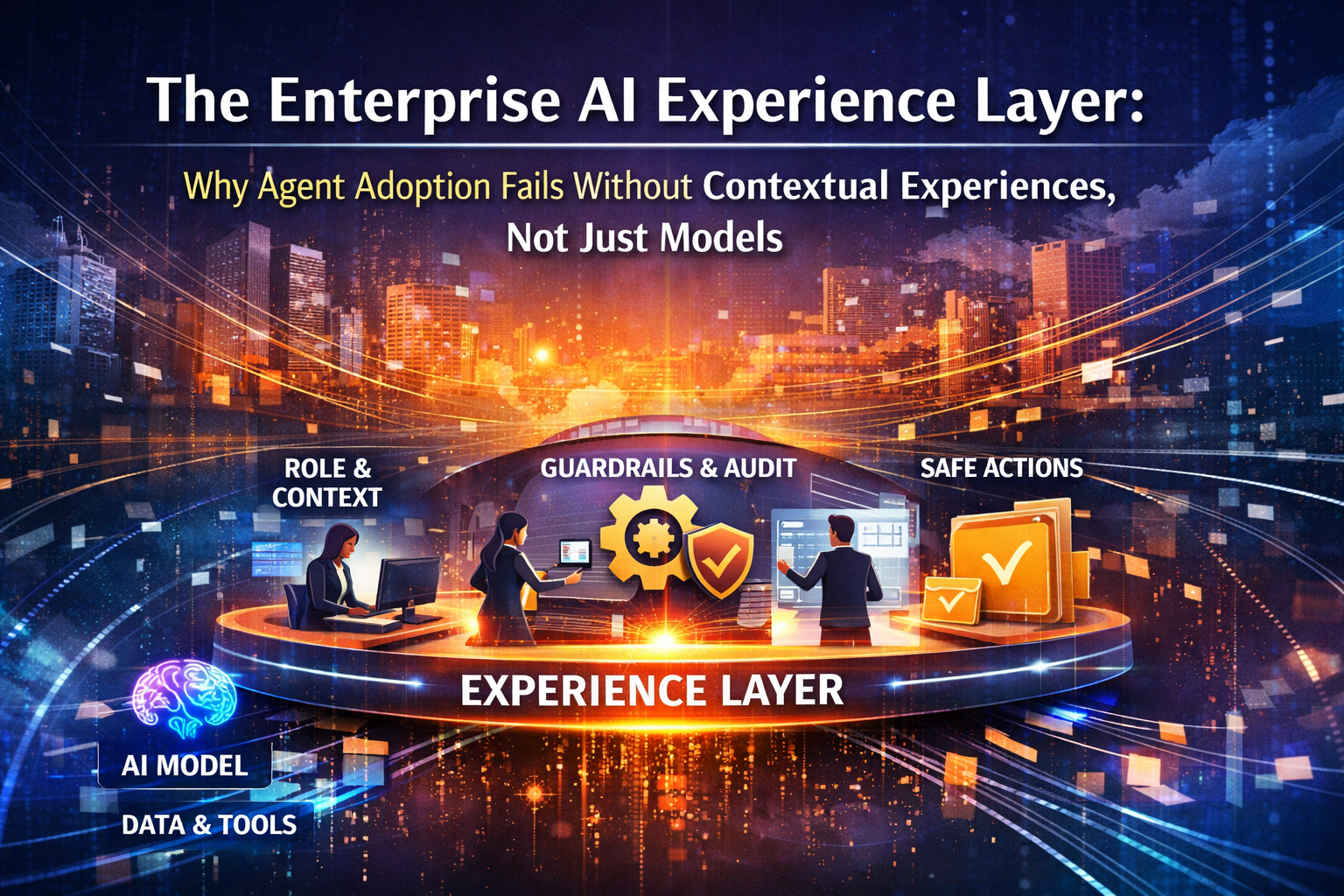
The uncomfortable truth: Most “AI adoption” failures are experience failures
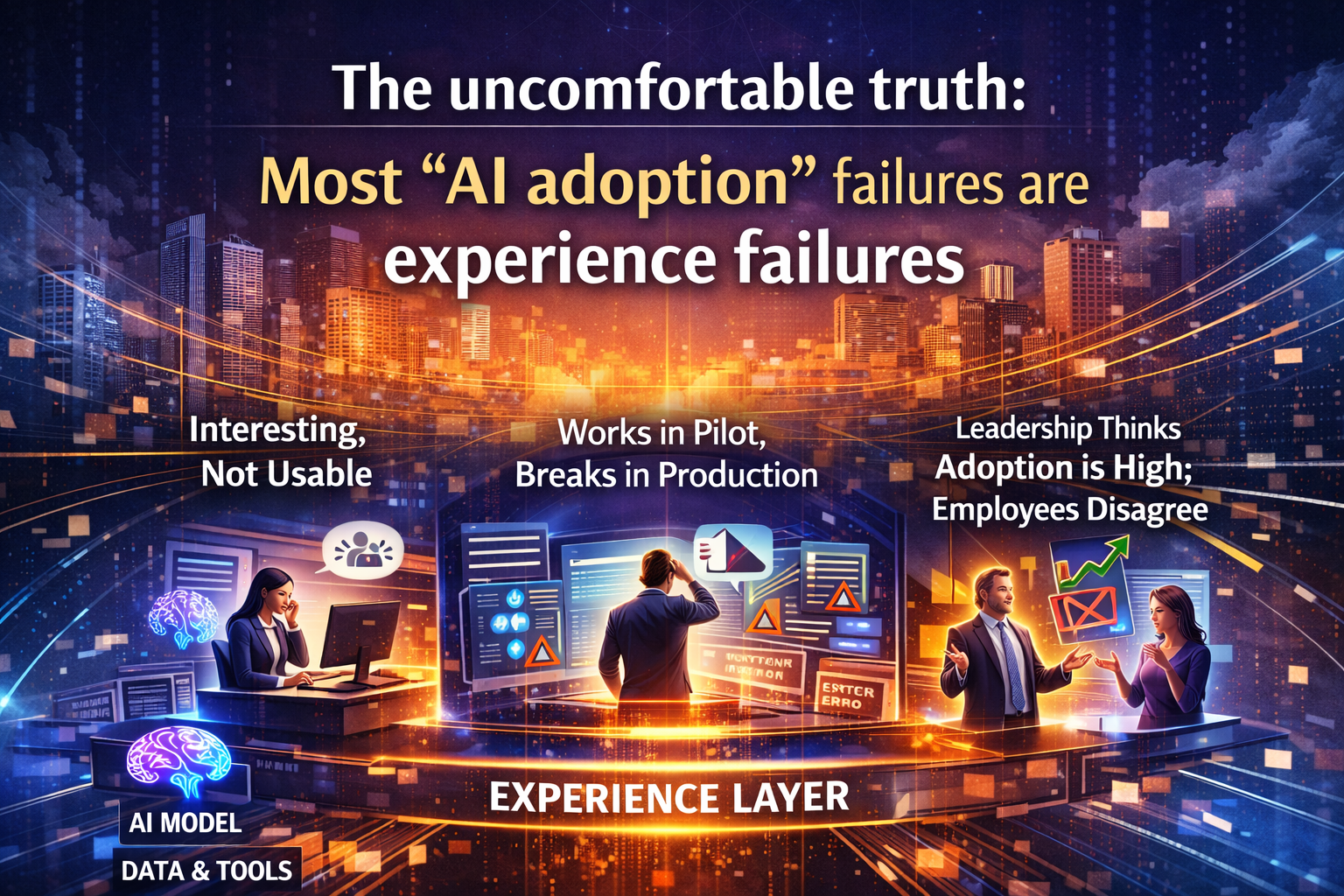
Enterprises are investing in powerful AI models—then wondering why adoption stalls after the pilot.
Leaders often assume the barrier is technical: better model selection, more training data, more prompt templates.
But the most common failure is more basic: the AI arrives as a tool when people need a work experience.
When AI sits outside the workflow, employees must context-switch, translate outcomes into action, and manually bridge gaps across systems. That extra effort quietly kills adoption. People stop using the AI not because it’s useless, but because it doesn’t complete the job.
This is why many agentic AI initiatives are projected to be canceled as costs rise, business value remains unclear, and risk controls fall behind. (Gartner)
Notably, that pattern is not primarily a model problem. It’s what happens when AI is bolted on instead of designed into daily work.
The organizations that scale adoption are converging on a different idea:
Model capability creates possibility. Contextual experiences create adoption.
That’s the role of the Enterprise AI Experience Layer.
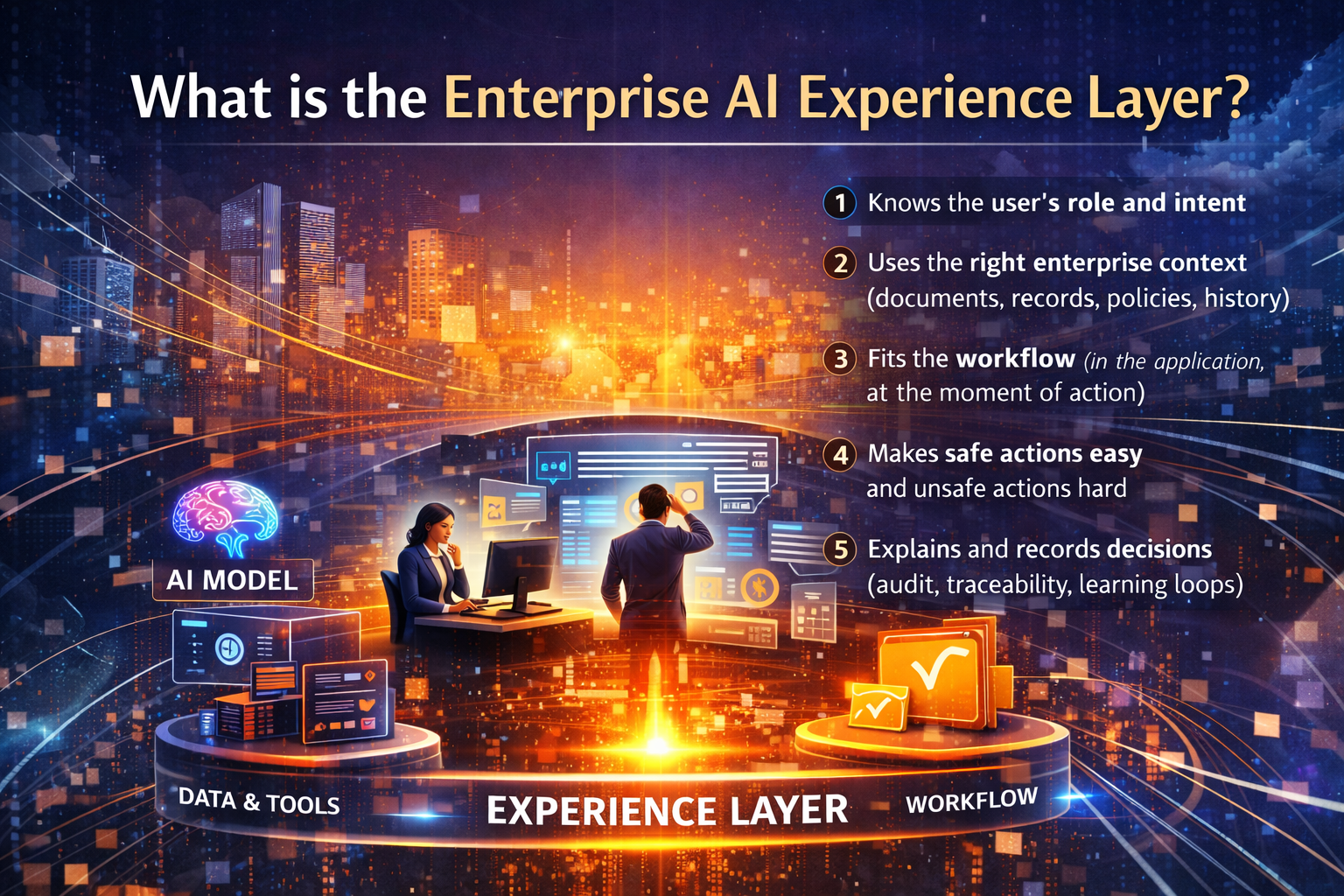
What is the Enterprise AI Experience Layer?
If you think of your enterprise as a city:
- Models are the power plant—essential, impressive, but abstract.
- Data and tools are the roads and vehicles—necessary to move work.
- The Experience Layer is the traffic system—signals, lanes, rules, and signage—so people reach the destination safely, consistently, and quickly.
In practical terms, the Enterprise AI Experience Layer is the set of design and runtime components that ensure AI:
- Understands who the user is (role, permissions, intent)
- Pulls the right enterprise context (records, documents, policies, history)
- Shows up inside the workflow (in the application, at the moment of action)
- Turns output into usable next steps (approved paths, safe actions)
- Creates trust through traceability (why it decided, what it used, what it changed)
When this layer is missing, adoption turns into “copilot fatigue”: another interface, another prompt habit, another workflow break. Microsoft’s own Copilot adoption guidance emphasizes phased rollout and getting Copilot into real usage with a plan—because adoption isn’t automatic just because the tool exists. (Microsoft Adoption)
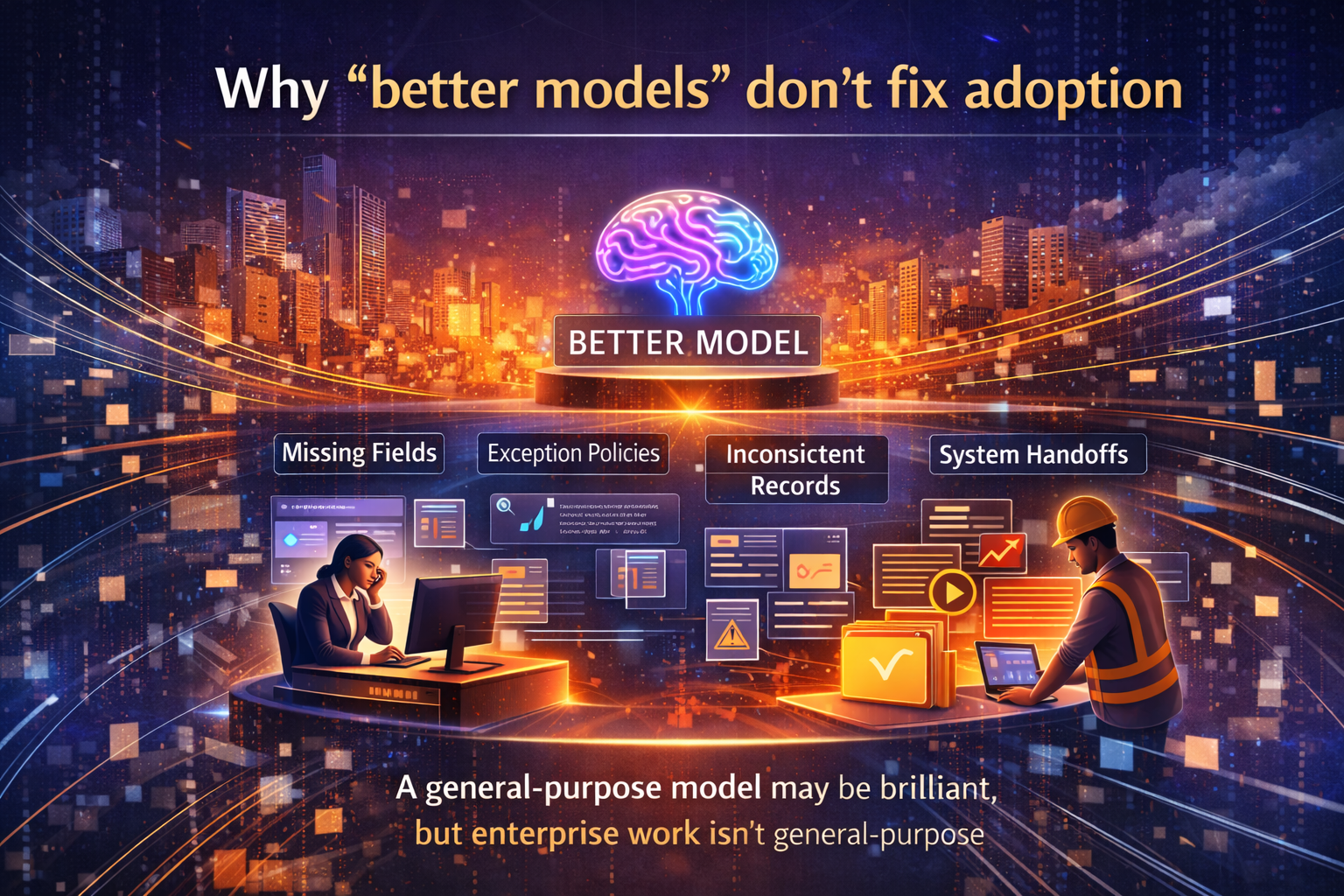
Why “better models” don’t fix adoption
Most enterprises begin with a seemingly rational belief:
“Let’s pick the best model. Then employees will use it.”
That logic breaks the moment you observe real work.
Work is not a blank page. Work is:
- a ticket with missing fields
- a policy with exceptions
- a record that conflicts with another system
- an approval chain that exists for a reason
- a handoff between teams with different incentives
A general-purpose model may be brilliant, but work is specific—and enterprise work is full of constraints. Adoption collapses when AI can’t match the specificity and procedural reality of the task.
This is why “agentic AI” increases adoption pressure: when AI can act, the organization must be confident it can act correctly, consistently, and within boundaries—not just generate plausible text. Regulators and industry leaders are increasingly spotlighting these new autonomy risks. (Reuters)
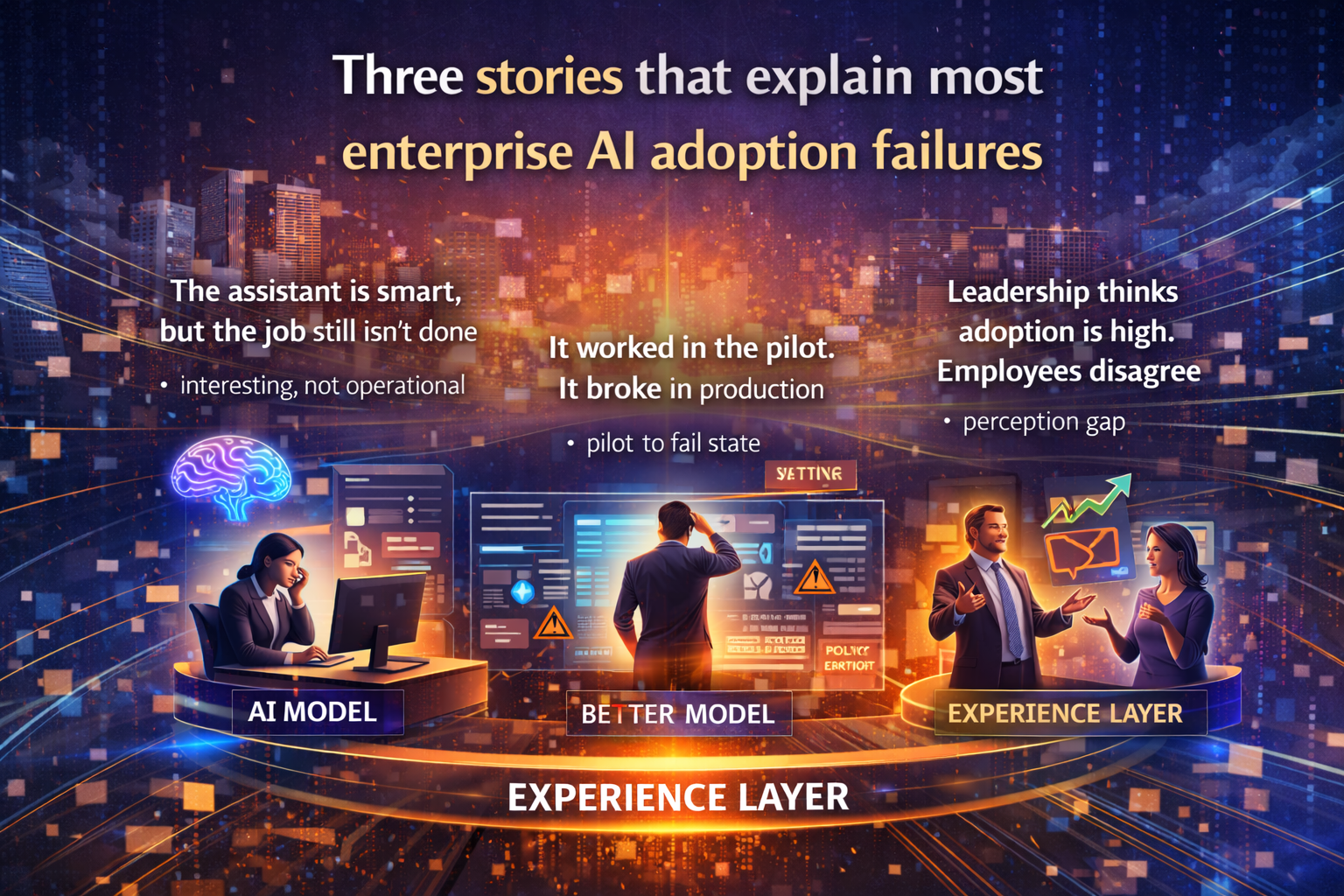
Three stories that explain most enterprise AI adoption failures
1) “The assistant is smart, but the job still isn’t done”
A finance analyst asks:
“Summarize spending anomalies this month and propose actions.”
The AI produces a clean narrative. But the analyst still has to:
- validate numbers across systems
- check which cost centers are exempt
- create a ticket with the right tags
- route it to the correct approver
So the AI output becomes interesting, not operational.
What was missing?
A workflow-native experience: retrieve the right records, apply policy, open the ticket pre-filled, propose routing, and present an approval step—all in the same flow.
2) “It worked in the pilot. It broke in production.”
A team pilots an agent to draft customer issue responses. In the pilot, it sees curated examples and clean context.
In production, it hits:
- incomplete histories
- contradictory policies
- edge cases
- cross-system workflows where one step fails mid-task
This is a widely observed pattern: agents break at workflow and integration boundaries, especially when legacy systems and rigid processes are involved. (Sendbird)
What was missing?
An Experience Layer that handles real-world variance: fallbacks, retries, safe defaults, visible state, and human handoffs at the right moments.
3) “Leadership thinks adoption is high. Employees disagree.”
Leadership says: “We rolled it out. Everyone has access. Usage should rise.”
Employees say: “It’s not in our tools. It slows us down. I’m not sure I can trust it.”
This perception gap shows up repeatedly in enterprise adoption reporting—leaders equate access with adoption, while employees experience friction and workflow disruption. (The Times of India)
What was missing?
Role-based experiences and in-the-moment assistance—AI that meets users inside their work, not as a separate destination.
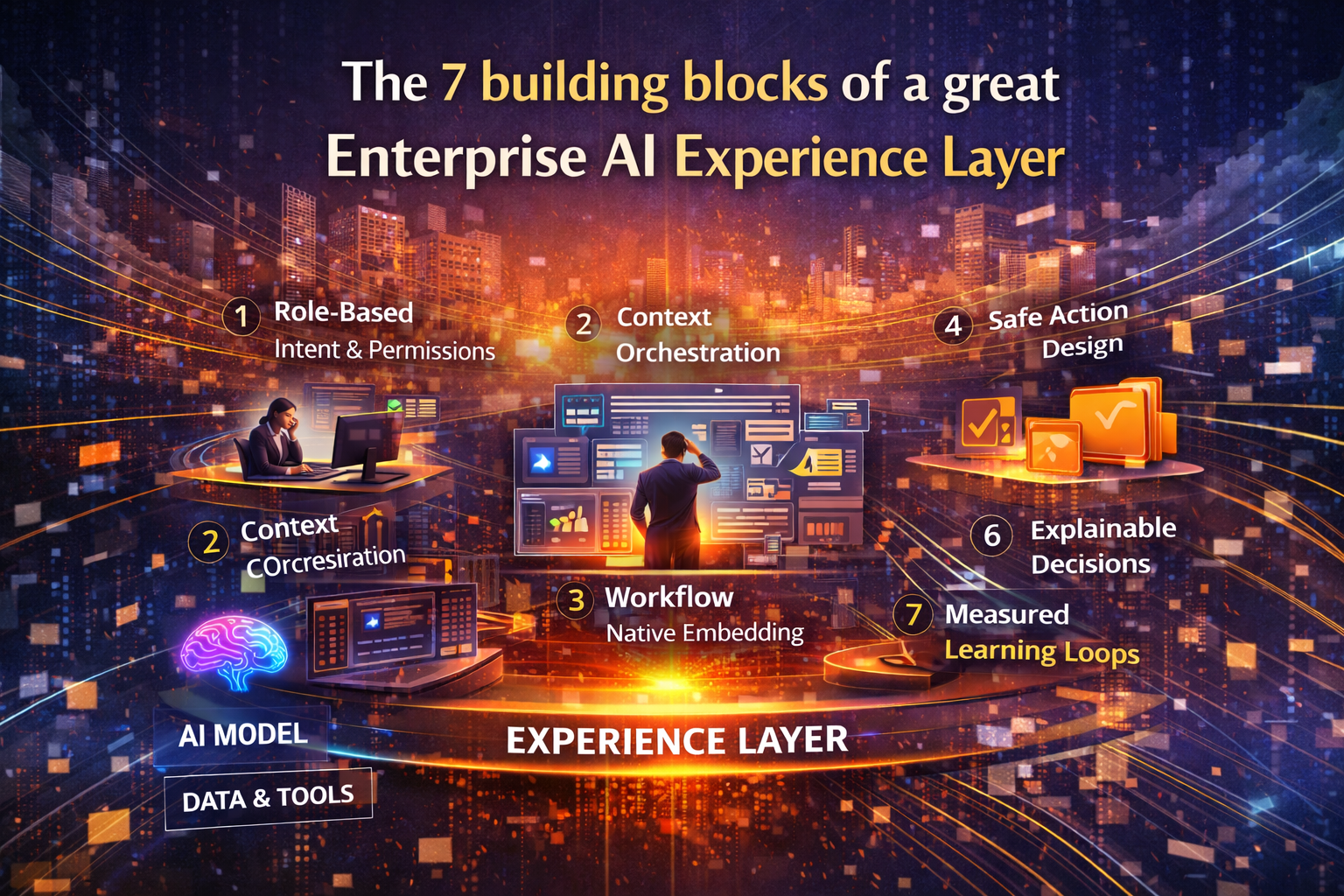
The 7 building blocks of a great Enterprise AI Experience Layer
1) Role-based intent and permissions
The AI must reliably know:
- who the user is
- what they’re trying to do
- what actions are allowed
Without this, you get one of two failure modes:
- Over-blocking: the AI can’t help when it should
- Over-reaching: the AI takes actions that create risk
2) Context orchestration (not just retrieval)
“Context” is not a dump of documents.
Good experience design selects:
- the minimum relevant information
- the freshest authoritative source
- the policy that applies to this case
- the history that changes the decision
This is where many deployments stumble: either too little context (hallucination risk) or too much context (noise, latency, cost).
3) Workflow-native embedding (“in the flow of work”)
The experience must appear where the decision happens:
- inside the CRM when a rep is writing
- inside the ticketing tool when triaging
- inside procurement during approvals
Microsoft’s adoption guidance explicitly frames rollout as a structured program—plan, implement, and drive adoption—because usage depends on embedding into real work patterns. (Microsoft Adoption)
Rule: If users have to leave their workflow to get AI help, adoption will plateau.
4) Action design: from “suggest” to “do,” safely
Agents that only generate text are limited. Agents that act create value—and risk.
The Experience Layer must define:
- when AI suggests
- when it drafts
- when it executes
- when approval is required
- what triggers a stop
5) Guardrails that feel natural, not punitive
Guardrails should sound like:
- “You can’t do that.”
- “Here’s the approved path.”
- “This needs approval because policy requires it.”
Not:
- “Access denied. Figure it out yourself.”
When boundaries are visible and consistent, trust rises—because people know where the system is safe.
6) Explainability that answers the real human question: “Why?”
People don’t only ask “Is it correct?”
They ask “Why should I trust it?”
So the experience must show:
- what sources were used
- what policy was applied
- what assumptions were made
- what changed since last time
As autonomy increases, explainability and accountability expectations rise with it. (Reuters)
7) Learning loops: measure friction, not vanity usage
“Number of prompts” is not a business outcome.
The Experience Layer should measure:
- task completion rate
- time to resolution
- handoff reduction
- exception rate
- rework caused by AI output
- human override frequency
That’s how you improve the experience like a product—continuously.
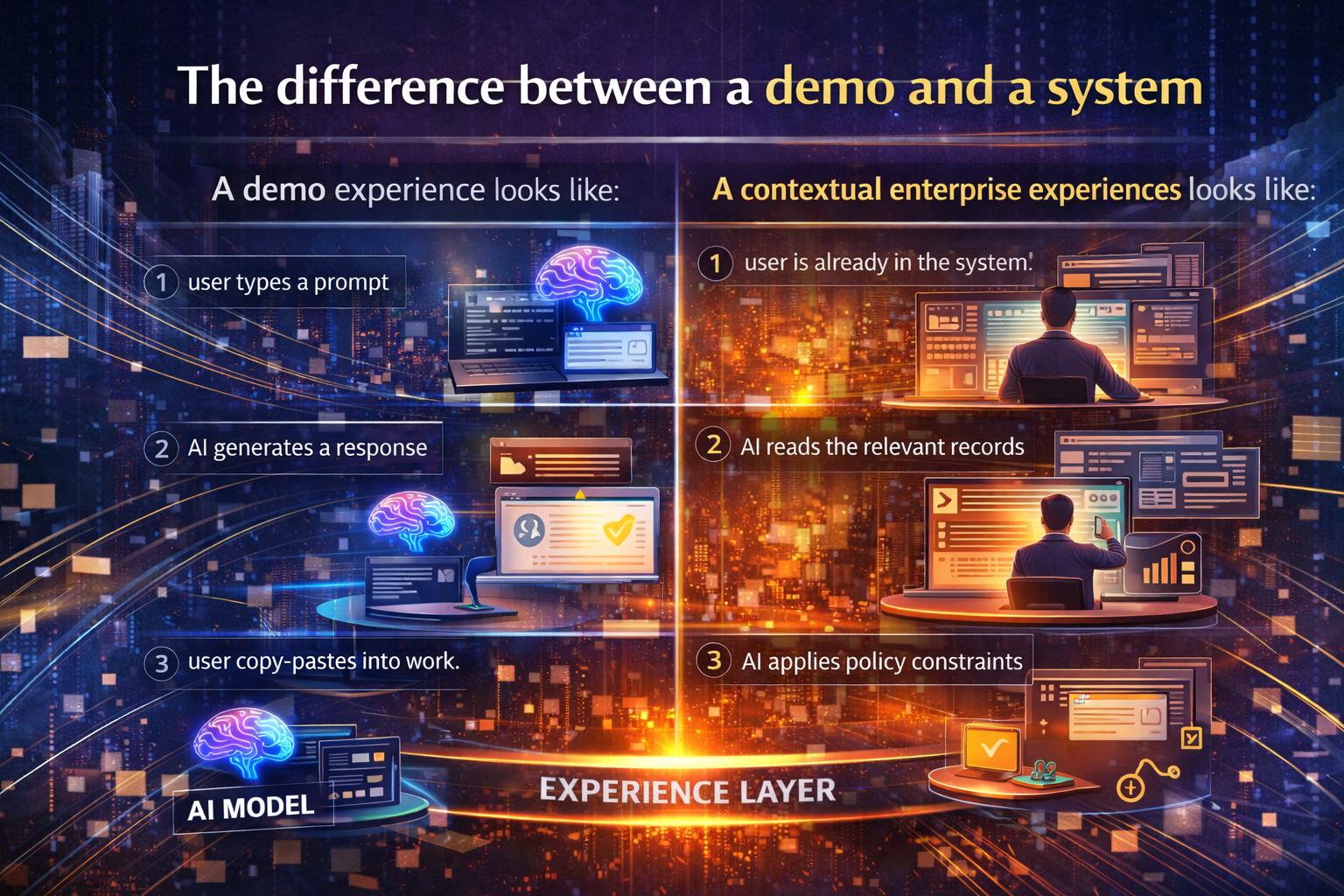
The difference between a demo and a system
A demo experience looks like:
- user types a prompt
- AI generates a response
- user copy-pastes into work
A contextual enterprise experience looks like:
- user is already in the system
- AI reads the relevant records
- AI applies policy constraints
- AI proposes the next action inside the workflow
- AI logs what it did and why
- human approves where needed
- outcomes feed learning loops
That difference—the “last mile” between AI output and completed work—is the Experience Layer.

A practical blueprint: how to build the Experience Layer without boiling the ocean
Step 1: Choose one high-frequency workflow
Pick a workflow with:
- clear steps
- measurable cycle time
- common pain points
- known policy constraints
Examples:
- vendor onboarding
- incident triage
- invoice exception handling
- customer renewal preparation
Step 2: Design both the happy path and the exception path
Don’t just design the ideal. Design what happens when:
- data is missing
- policies conflict
- system calls fail
- approvals are delayed
Step 3: Establish an action ladder
Start with a simple progression:
- Suggest
- Draft
- Execute with approval
- Execute autonomously within limits
Step 4: Embed controls into the experience
Make guardrails predictable and visible:
- what’s allowed
- what needs approval
- what’s prohibited
- why
Step 5: Measure outcomes, not experimentation
Success isn’t “people tried it.”
Success is “the workflow completes faster, safer, and with fewer handoffs.”

Why this matters globally
Why this matters globally
The Experience Layer is no longer a UI preference. It’s becoming a global enterprise requirement because organizations must operate across:
- data residency and sovereignty constraints
- regulatory expectations
- language and cultural work norms
- fragmented legacy estates
- different risk tolerances across regions
As agentic AI moves closer to real decisions and real actions, governance and operational reliability become board-level concerns—especially in regulated industries. (Reuters)

Conclusion: The new enterprise advantage is experience, not novelty
The next generation of enterprise winners won’t be defined by who experimented the most.
They will be defined by who can repeatedly convert AI into contextual work experiences—trusted, governed, measurable, and embedded in daily operations.
If your AI strategy is still centered on “pick the best model,” you’re optimizing the wrong layer.
Build the Experience Layer. That’s where adoption—and durable ROI—is won.
Glossary
Enterprise AI Experience Layer: Workflow-native interfaces and controls that embed AI into real tasks with context, permissions, guardrails, and auditability.
Context orchestration: Selecting and structuring the right enterprise information (records, policies, history) for a specific task—beyond simple retrieval.
In-the-flow-of-work: AI assistance delivered inside the application where work happens, not in a separate destination tool.
Action ladder: A staged approach to autonomy—suggest → draft → execute with approval → execute within limits.
Guardrails: Runtime constraints that prevent unsafe or non-compliant actions while keeping the user experience usable.
Exception path: The designed experience for real-world breakdowns: missing data, system errors, policy conflicts, and handoffs.
FAQ
1) Isn’t adoption mainly about training people to prompt better?
Prompt training helps, but it doesn’t solve workflow breaks. If AI isn’t embedded into systems and context, it adds steps instead of removing them. (Microsoft Adoption)
2) Do we need autonomous agents to benefit from the Experience Layer?
No. Even copilots need contextual experiences: role-based context, policy-aware behavior, and workflow-native embedding.
3) What’s the fastest starting point?
Start with one high-frequency workflow and one measurable outcome. Build there, prove impact, then replicate.
4) How do we reduce risk while increasing autonomy?
Use an action ladder and design approvals into the experience. Expand autonomy only when control and outcomes are consistently stable. (Gartner)
5) Why do agentic AI projects get canceled?
Common drivers include rising costs, unclear business value, and inadequate risk controls—especially when deployments don’t become repeatable systems. (Gartner)
References and further reading
Gartner press release: prediction that over 40% of agentic AI projects will be canceled by end of 2027 due to cost, unclear value, and risk controls. (Gartner)
- Microsoft adoption guidance for Copilot: phased approach to implementation and adoption (“plan,” “implement,” “adopt”). (Microsoft Adoption)
- Sendbird: discussion of workflow & integration failures in agentic AI deployments. (Sendbird)
- Reuters: regulator concerns and governance implications as agentic AI enters real workflows in financial services. (Reuters)
- Times of India (report summary): leadership vs employee perception gap and ROI measurement challenges in enterprise AI programs. (The Times of India)
- Enterprise AI Drift: Why Autonomy Fails Over Time—and the Fabric Enterprises Need to Stay Aligned – Raktim Singh
- The Living IT Ecosystem: Why Enterprises Must Recompose Continuously to Scale AI Without Lock-In – Raktim Singh
- The AI Platform War Is Over: Why Enterprises Must Build an AI Fabric—Not an Agent Zoo – Raktim Singh
- The Advantage Is No Longer Intelligence—It Is Operability: How Enterprises Win with AI Operating Environments – Raktim Singh
- The Agentic Foundry with Reliability-by-Design : How enterprises scale hundreds of AI agents without: By Raktim Singh
- Why Autonomous AI Breaks in Production: And Why Enterprises Need an AI Control Tower to Run It at Scale | by RAKTIM SINGH | Dec, 2025 | Medium
- The One Enterprise AI Stack CIOs Are Converging On: Why Operability, Not Intelligence, Is the New Advantage | by RAKTIM SINGH | Dec, 2025 | Medium
- Why Autonomous AI Fails in Production — and What CIOs Must Do to Control It: By Raktim Singh
- The AI Platform War Is Over: Why Enterprises Must Build an AI Fabric—Not an Agent Zoo – Raktim Singh



Raktim Singh is an AI and deep-tech strategist, TEDx speaker, and author focused on helping enterprises navigate the next era of intelligent systems. With experience spanning AI, fintech, quantum computing, and digital transformation, he simplifies complex technology for leaders and builds frameworks that drive responsible, scalable adoption.